
by Joche Ojeda | Feb 24, 2025 | Linux, Postgres, SyncFrameworkV2, Ubuntu, WSL
After a problematic Windows update on my Surface computer that prevented me from compiling .NET applications, I spent days trying various fixes without success. Eventually, I had to format my computer and start fresh. This meant setting up everything again – Visual Studio, testing databases, and all the other development tools.To make future setups easier, I created a collection of WSL 2 scripts that automate the installation of tools I frequently use, like PostgreSQL and MySQL for testing purposes. While these scripts contain some practices that wouldn’t be recommended for production (like hardcoded passwords), they’re specifically designed for testing environments. The passwords used are already present in the sync framework source code, so there’s no additional security risk.I decided to share these scripts not as a perfect solution, but as a starting point for others who might need to set up similar testing environments. You can use them as inspiration for your own scripts or modify the default passwords to match your needs.
Note that these are specifically for testing purposes – particularly for working with the sync framework – and the hardcoded credentials should never be used in a production environment.
https://github.com/egarim/MyWslScripts
LDAP Scripts
MyWslScripts/ldap-setup.sh at master · egarim/MyWslScripts
MyWslScripts/add-ldap-user.sh at master · egarim/MyWslScripts
MySQL
MyWslScripts/install_mysql.sh at master · egarim/MyWslScripts
Postgres
MyWslScripts/install_postgres.sh at master · egarim/MyWslScripts
Redis
MyWslScripts/redis-install.sh at master · egarim/MyWslScripts
Let me know if you’d like me to share the actual scripts in a follow-up post!
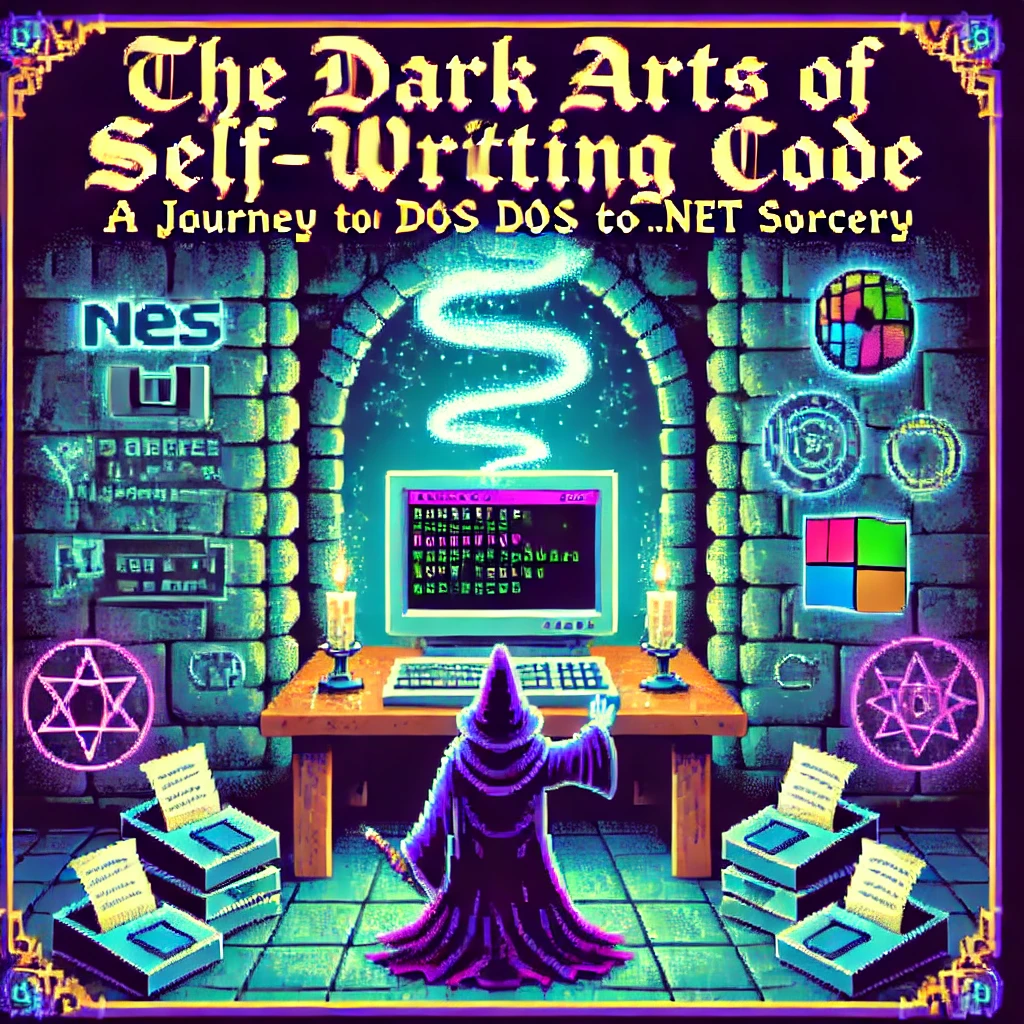
by Joche Ojeda | Jan 14, 2025 | C#, dotnet, MetaProgramming, Reflection
The Beginning of a Digital Sorcerer
Every master of the dark arts has an origin story, and mine begins in the ancient realm of MS-DOS 6.1. What started as simple experimentation with BAT files would eventually lead me down a path to discovering one of programming’s most powerful arts: metaprogramming.
I still remember the day my older brother Oscar introduced me to the mystical DIR command. He was three years ahead of me in school, already initiated into the computer classes that would begin in “tercer ciclo” (7th through 9th grade) in El Salvador. This simple command, capable of revealing the contents of directories, was my first spell in what would become a lifelong pursuit of programming magic.
My childhood hobbies – playing video games, guitar, and piano (a family tradition, given my father’s musical lineage) – faded into the background as I discovered the enchanting world of DOS commands. The discovery that files ending in .exe were executable spells and .com files were commands that accepted parameters opened up a new realm of possibilities.
Armed with EDIT.COM, a primitive but powerful text editor, I began experimenting with every file I could find. The real breakthrough came when I discovered AUTOEXEC.BAT, a mystical scroll that controlled the DOS startup ritual. This was my first encounter with automated script execution, though I didn’t know it at the time.
The Path of Many Languages
My journey through the programming arts led me through many schools of magic: Turbo Pascal, C++, Fox Pro (more of an application framework than a pure language), Delphi, VB6, VBA, VB.NET, and finally, my true calling: C#.
During my university years, I co-founded my first company with my cousin “Carlitos,” supported by my uncle Carlos Melgar, who had been like a father to me. While we had some coding experience, our ambition to create our own ERP system led us to expand our circle. This is where I met Abel, one of two programmers we recruited who were dating my cousins at the time. Abel, coming from a Delphi background, introduced me to a concept that would change my understanding of programming forever: reflection.
Understanding the Dark Arts of Metaprogramming
What Abel revealed to me that day was just the beginning of my journey into metaprogramming, a form of magic that allows code to examine and modify itself at runtime. In the .NET realm, this sorcery primarily manifests through reflection, a power that would have seemed impossible in my DOS days.
Let me share with you the secrets I’ve learned along this path:
The Power of Reflection: Your First Spell
// A basic spell of introspection
Type stringType = typeof(string);
MethodInfo[] methods = stringType.GetMethods();
foreach (var method in methods)
{
    Console.WriteLine($"Discovered spell: {method.Name}");
}
This simple incantation allows your code to examine itself, revealing the methods hidden within any type. But this is just the beginning.
Conjuring Objects from the Void
As your powers grow, you’ll learn to create objects dynamically:
public class ObjectConjurer
{
    public T SummonAndEnchant<T>(Dictionary<string, object> properties) where T : new()
    {
        T instance = new T();
        Type type = typeof(T);

        foreach (var property in properties)
        {
            PropertyInfo prop = type.GetProperty(property.Key);
            if (prop != null && prop.CanWrite)
            {
                prop.SetValue(instance, property.Value);
            }
        }
        return instance;
    }
}
Advanced Rituals: Expression Trees
Expression<Func<int, bool>> ageCheck = age => age >= 18;
var parameter = Expression.Parameter(typeof(int), "age");
var constant = Expression.Constant(18, typeof(int));
var comparison = Expression.GreaterThanOrEqual(parameter, constant);
var lambda = Expression.Lambda<Func<int, bool>>(comparison, parameter);
The Price of Power: Security and Performance
Like any powerful magic, these arts come with risks and costs. Through my journey, I learned the importance of protective wards:
Guarding Against Dark Forces
// A protective ward for your reflective operations
[SecurityPermission(SecurityAction.Demand, ControlEvidence = true)]
public class SecretKeeper
{
    private readonly string _arcaneSecret = "xyz";

    public string RevealSecret(string authToken)
    {
        if (ValidateToken(authToken))
            return _arcaneSecret;
        throw new ForbiddenMagicException("Unauthorized attempt to access secrets");
    }
}
The Cost of Power
| Ritual Type |
Energy Cost (ms) |
Mana Usage |
| Direct Cast |
1 |
Baseline |
| Reflection |
10-20 |
2x-3x |
| Cached Cast |
2-3 |
1.5x |
| Compiled |
1.2-1.5 |
1.2x |
To mitigate these costs, I learned to cache my spells:
public class SpellCache
{
    private static readonly ConcurrentDictionary<string, MethodInfo> SpellBook
        = new ConcurrentDictionary<string, MethodInfo>();

    public static MethodInfo GetSpell(Type type, string spellName)
    {
        string key = $"{type.FullName}.{spellName}";
        return SpellBook.GetOrAdd(key, _ => type.GetMethod(spellName));
    }
}
Practical Applications in the Modern Age
Today, these dark arts power many of our most powerful frameworks:
- Entity Framework uses reflection for its magical object-relational mapping
- Dependency Injection containers use it to automatically wire up our applications
- Serialization libraries use it to transform objects into different forms
- Unit testing frameworks use it to create test doubles and verify behavior
Wisdom for the Aspiring Sorcerer
From my journey from DOS batch files to the heights of .NET metaprogramming, I’ve gathered these pieces of wisdom:
- Cache your incantations whenever possible
- Guard your secrets with proper wards
- Measure the cost of your rituals
- Use direct casting when available
- Document your dark arts thoroughly
Conclusion
Looking back at my journey from those first DOS commands to mastering the dark arts of metaprogramming, I’m reminded that every programmer’s path is unique. That young boy who first typed DIR in MS-DOS could never have imagined where that path would lead. Today, as I work with advanced concepts like reflection and metaprogramming in .NET, I’m reminded that our field is one of continuous learning and evolution.
The dark arts of metaprogramming may be powerful, but like any tool, their true value lies in knowing when and how to use them effectively. Remember, while the ability to make code write itself might seem like sorcery, the real magic lies in understanding the fundamentals and growing from them. Whether you’re starting with basic commands like I did or diving straight into advanced concepts, every step of the journey contributes to your growth as a developer.
And who knows? Maybe one day you’ll find yourself teaching these dark arts to the next generation of digital sorcerers.

by Joche Ojeda | Apr 29, 2024 | Semantic Kernel
Welcome to the fascinating world of artificial intelligence (AI)! You’ve probably heard about AI’s incredible potential to transform our lives, from smart assistants in our homes to self-driving cars. But have you ever wondered how all these intelligent systems communicate and work together? That’s where something called “Semantic Kernel Connectors” comes in.
Imagine you’re organizing a big family reunion. To make it a success, you need to coordinate with various family members, each handling different tasks. Similarly, in the world of AI, different parts need to communicate and work in harmony. Semantic Kernel Connectors are like the family members who help pass messages and coordinate tasks to ensure everything runs smoothly.
These connectors are a part of a larger system known as the Semantic Kernel framework. They act as messengers, allowing different AI models and external systems, like databases, to talk to each other. This communication is crucial because it lets AI systems perform complex tasks, such as sending emails or updating records, just like a helpful assistant.
For developers, these connectors are a dream come true. They make it easier to create AI applications that can understand and respond to us just like a human would. With these tools, developers can build more sophisticated AI agents that can automate tasks and even learn from their interactions, here is a list of what you get out of the box.
Core Plugins Overview
- ConversationSummaryPlugin: Summarizes conversations to provide quick insights.
- FileIOPlugin: Reads and writes to the filesystem, essential for managing data.
- HttpPlugin: Calls APIs, which allows the AI to interact with web services.
- MathPlugin: Performs mathematical operations, handy for calculations.
- TextMemoryPlugin: Stores and retrieves text in memory, useful for recalling information.
- TextPlugin: Manipulates text strings deterministically, great for text processing.
- TimePlugin: Acquires time of day and other temporal information, perfect for time-related tasks.
- WaitPlugin: Pauses execution for a specified amount of time, useful for scheduling.
So, next time you ask your smart device to play your favorite song or remind you of an appointment, remember that there’s a whole network of AI components working together behind the scenes, thanks to Semantic Kernel Connectors. They’re the unsung heroes making our daily interactions with AI seamless and intuitive.
Isn’t it amazing how far technology has come? And the best part is, we’re just getting started. As AI continues to evolve, we can expect even more incredible advancements that will make our lives easier and more connected. So, let’s embrace this journey into the future, hand in hand with AI.
