

Joche Ojeda



Oqtane Notes: Understanding Site Settings vs. App Settings for Hosting Models and Render Modes
After countless Oqtane installs, I finally learned how its configuration really works. The values in appsettings.json only apply when creating a new site — once it’s running, all runtime and render mode changes must be made from the admin panel. This post explains that subtle but important difference.
Setting Up Your Oqtane Database: First Run and Configuration
Learn how to set up your Oqtane database for the first time using either the built-in setup wizard or a manual configuration in appsettings.json. This guide walks you through each step to get your Oqtane installation running smoothly and ready for backend exploration in the next article.

Getting Started with Oqtane 6.2.x
Returning to Oqtane after some time away, I’m documenting my journey through this powerful .NET-based framework. As our office explores new development options that keep us close to the .NET ecosystem, Oqtane stands out as a compelling choice for production-sized projects. This first article in the series tackles the fundamental question every developer faces: how do you actually install and set up Oqtane? From cloning the GitHub repository to using the simplified .NET templates, I’ll walk you through two different approaches—each with its own advantages depending on your experience level and project goals. Whether you’re a beginner looking for the quickest path to productivity or an experienced developer wanting to understand the framework’s layered architecture, this guide provides the essential steps and insights to get you started with Oqtane development.

The Dangers (and Joys) of Vibe Coding
After a 4:30 a.m. coffee, I fell into a five-hour vibe-coding session that turned a small tweak into a full-blown app rewrite. This article reflects on the joy and danger of coding in flow, the lessons learned, and why sometimes you need a teammate to say, “It’s done.”
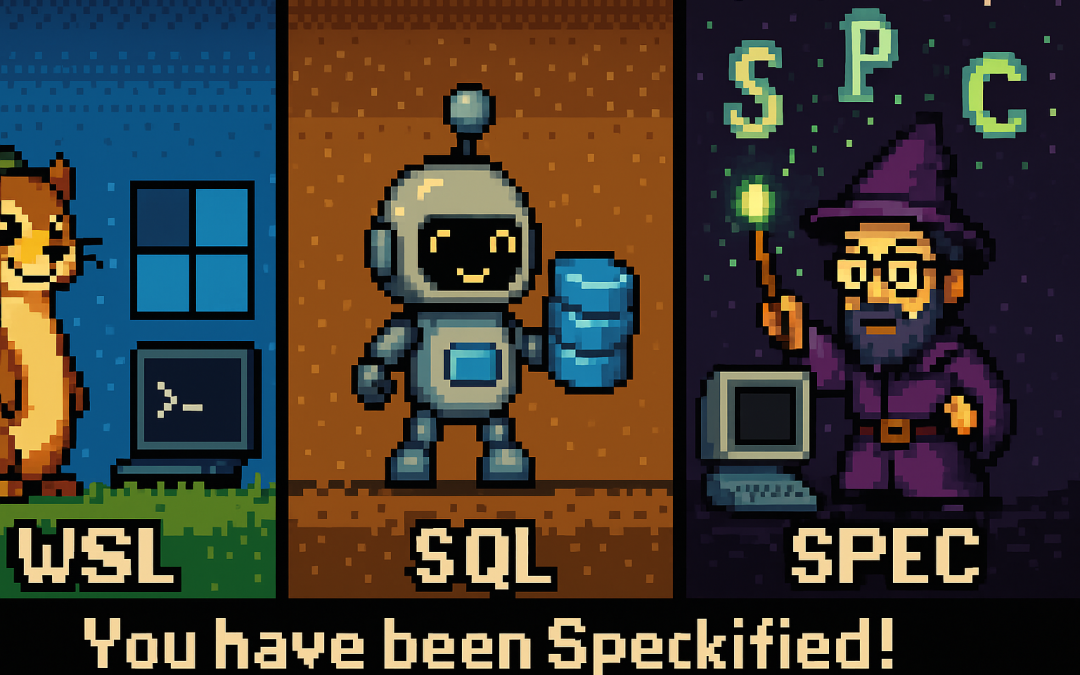
From Weasel to Sequel to “Speckified”: How Developers Twist Acronyms
Developers love twisting acronyms into funny nicknames. WSL becomes “weasel,” SQL turns into a “sequel robot,” and GitHub’s Spec Kit inspires the spooky word “speckified.” In English and Spanish, these pronunciations diverge, but the memes bring everyone together. Meet the weasel, the robot, and the wizard casting specs.

From Airport Chaos to Spec Clarity: How Writing Requirements Saved My Sanity
Ever tried vibe coding while traveling? Between airports, bad Wi-Fi, and half-baked prompts, I learned the hard way that AI doesn’t need more code—it needs better requirements. Thanks to GitHub’s Spec Kit and insights from James Montemagno and Frank Kruger on the Merge Conflict podcast, I discovered that the real magic isn’t in writing code—it’s in writing clarity. Humans reduce entropy. AI executes it.