
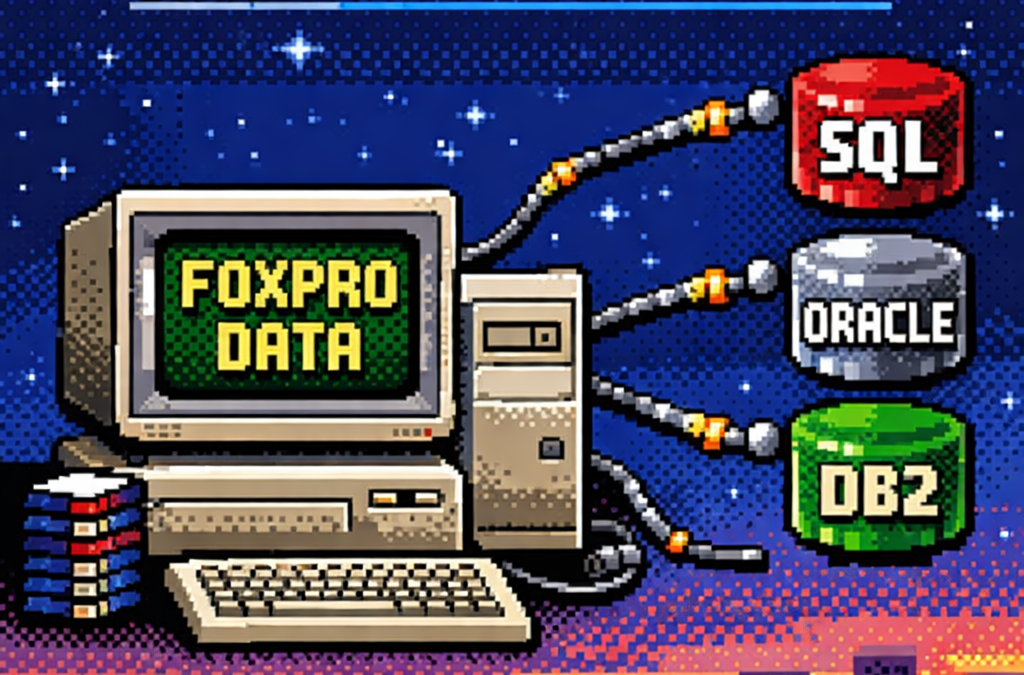
When I started working with computers, one of the tools that shaped my way of thinking as a developer was FoxPro.
At the time, FoxPro felt like a complete universe: database engine, forms, reports, and business logic all integrated into a single environment.
Looking back, FoxPro was effectively an application framework from the past—long before that term became common.
Accessing FoxPro data usually meant choosing between two paths:
- Direct FoxPro access – fast, tightly integrated, and fully aware of FoxPro’s features
- ODBC – a standardized way to access the data from outside the FoxPro ecosystem
This article focuses on that second option.
What Is ODBC?
ODBC (Open Database Connectivity) is a standardized API for accessing databases.
Instead of applications talking directly to a specific database engine, they talk to an ODBC driver,
which translates generic database calls into database-specific commands.
The promise was simple:
One API, many databases.
And for its time, this was revolutionary.
Supported Operating Systems and Use Cases
ODBC is still relevant today and supported across major platforms:
- Windows – native support, mature tooling
- Linux – via unixODBC and vendor drivers
- macOS – supported through driver managers
Typical use cases include:
- Legacy systems that must remain stable
- Reporting and BI tools
- Data migration and ETL pipelines
- Cross-vendor integrations
- Long-lived enterprise systems
ODBC excels where interoperability matters more than elegance.
The Lowest Common Denominator Problem
Although ODBC is a standard, it does not magically unify databases.
Each database has its own:
- SQL dialect
- Data types
- Functions
- Performance characteristics
ODBC standardizes access, not behavior.
You can absolutely open an ODBC connection and still:
- Call native database functions
- Use vendor-specific SQL
- Rely on engine-specific behavior
This makes ODBC flexible—but not truly database-agnostic.
ODBC vs True Abstraction Layers
This is where ODBC differs from ORMs or persistence frameworks that aim for full abstraction.
- ODBC: Gives you a common door and does not prevent database-specific usage
- ORM-style frameworks: Try to hide database differences and enforce a common conceptual model
ODBC does not protect you from database specificity—it permits it.
ODBC in .NET: Avoiding Native Database Dependencies
This is an often-overlooked advantage of ODBC, especially in .NET applications.
ADO.NET is interface-driven:
IDbConnectionIDbCommandIDataReader
However, each database requires its own concrete provider:
- SQL Server
- Oracle
- DB2
- Pervasive
- PostgreSQL
- MySQL
Each provider introduces:
- Native binaries
- Vendor SDKs
- Version compatibility issues
- Deployment complexity
Your code may be abstract — your deployment is not.
ODBC as a Binary Abstraction Layer
When using ODBC in .NET, your application depends on one provider only:
System.Data.OdbcDatabase-specific dependencies are moved:
- Out of your application
- Into the operating system
- Into driver configuration
This turns ODBC into a dependency firewall.
Minimal .NET Example: ODBC vs Native Provider
Native ADO.NET Provider (Example: SQL Server)
using System.Data.SqlClient;

using var connection =
    new SqlConnection("Server=.;Database=AppDb;Trusted_Connection=True;");

connection.Open();
Implications:
- Requires SQL Server client libraries
- Ties the binary to SQL Server
- Changing database = new provider + rebuild
ODBC Provider (Database-Agnostic Binary)
using System.Data.Odbc;

using var connection =
    new OdbcConnection("DSN=AppDatabase");

connection.Open();
Implications:
- Same binary works for SQL Server, Oracle, DB2, etc.
- No vendor-specific DLLs in the app
- Database choice is externalized
The SQL inside the connection may still be database-specific — but your application binary is not.
Trade-Offs (And Why They’re Acceptable)
Using ODBC means:
- Fewer vendor-specific optimizations
- Possible performance differences
- Reliance on driver quality
But in exchange, you gain:
- Simpler deployments
- Easier migrations
- Longer application lifespan
- Reduced vendor lock-in
For many enterprise systems, this is a strategic win.
What’s Next – Phase 2: Customer Polish
Phase 1 is about making it work.
Phase 2 is about making it survivable for customers.
In Phase 2, ODBC shines by enabling:
- Zero-code database switching
- Cleaner installers
- Fewer runtime surprises
- Support for customer-controlled environments
- Reduced friction in on-prem deployments
This is where architecture meets reality.
Customers don’t care how elegant your abstractions are — they care that your software runs on their infrastructure without drama.
Project References
Minimal and explicit:
System.Data
System.Data.Odbc
Optional (native providers, when required):
System.Data.SqlClient
Oracle.ManagedDataAccess
IBM.Data.DB2
ODBC allows these to become optional, not mandatory.
Closing Thought
ODBC never promised purity.
It promised compatibility.
Just like FoxPro once gave us everything in one place, ODBC gave us a way out — without burning everything down.
Decades later, that trade-off still matters.