Stop Feeding LLMs Raw Files: Save Tokens with Microsoft MarkItDown (CLI + MCP)
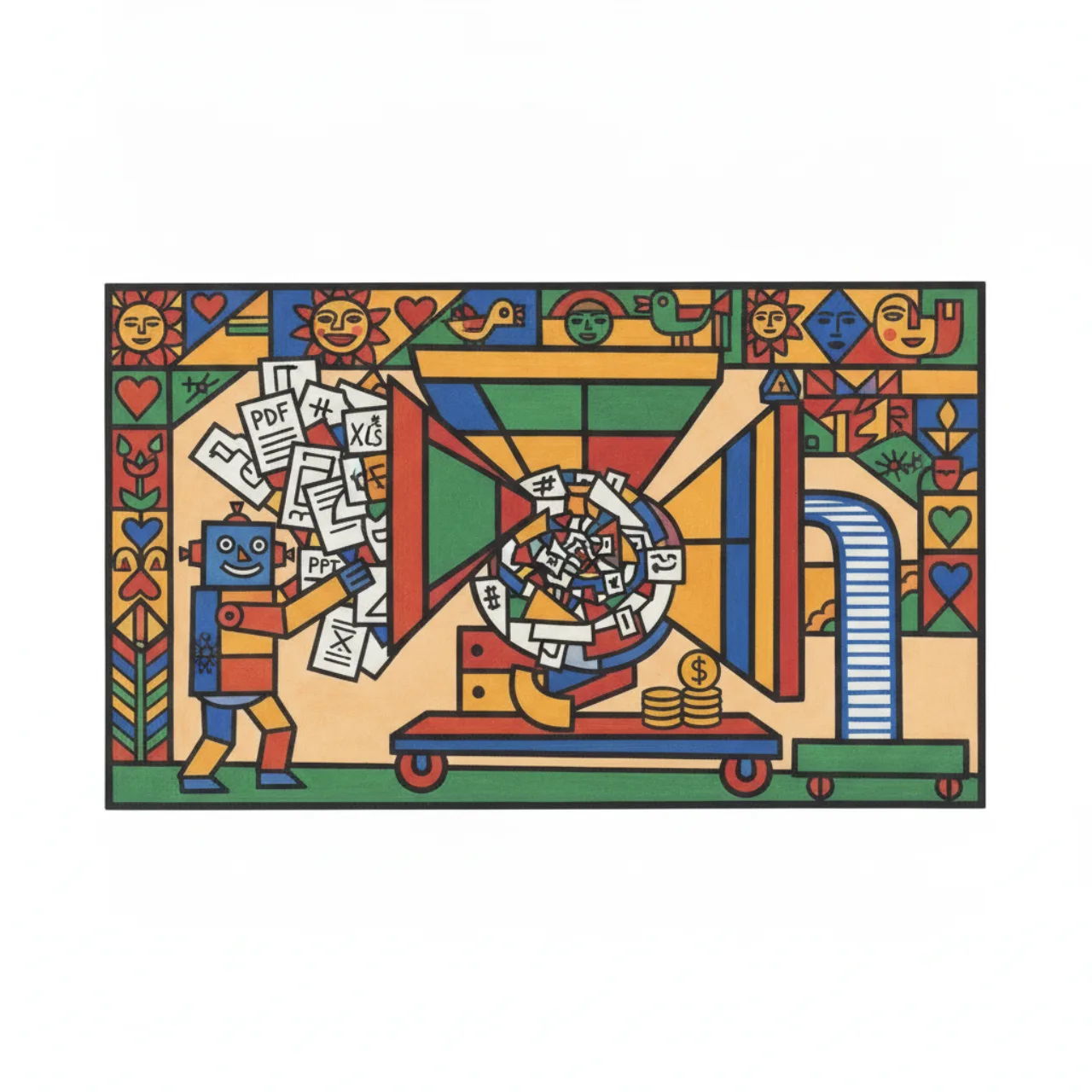
If you build anything on top of LLMs — RAG pipelines, document Q&A, an agent that reads files —
you are paying, per token, for everything you put in the context window. And a huge fraction
of what we routinely shove in there is markup the model doesn't need: HTML <div> soup, XML
namespaces, the binary scaffolding of a .docx, the layout noise of a PDF.
Microsoft MarkItDown is a small, sharp tool for
exactly this problem. It converts a long list of formats into clean Markdown — the format
LLMs are happiest reading and cheapest to read. It's built by the AutoGen team, it has a CLI, a
Python API, and — the part I find most useful — an MCP server so an AI agent can convert
files on demand.
What it converts
MarkItDown is a "lightweight Python utility for converting various files to Markdown for use with
LLMs and related text analysis pipelines." Out of the box it handles:
- PDF, Word, PowerPoint, Excel
- Images (EXIF metadata + OCR)
- Audio (metadata + speech transcription)
- HTML, and text formats (CSV, JSON, XML)
- ZIP (iterates the contents), EPub, YouTube URLs
- …and more
Crucially, it doesn't just dump text — it preserves structure: headings, lists, tables, and
links survive as Markdown. That structure is what lets an LLM understand a document instead of
just seeing a bag of words.
Why Markdown saves tokens
This is the whole pitch, and Microsoft says it plainly in the README:
"Markdown is extremely close to plain text, with minimal markup or formatting, but still
provides a way to represent important document structure. Mainstream LLMs … natively 'speak'
Markdown … As a side benefit, Markdown conventions are also highly token-efficient."
Two things are happening. First, fewer tokens: ## Heading costs a couple of tokens;
<h2 class="mw-headline" id="...">Heading</h2> costs a dozen. Multiply across a whole document
and the difference is enormous. Second, better comprehension: models were trained on oceans
of Markdown, so they parse it natively — you spend fewer tokens and the model understands the
structure better.
A real measurement
I didn't want to hand-wave, so I ran one through. I took a large, structure-heavy web page (the
Wikipedia article on El Salvador), saved the raw HTML, and converted it with MarkItDown:
| Characters | ≈ Tokens (chars ÷ 4) | |
|---|---|---|
| Raw HTML | 793,276 | ~198,300 |
| MarkItDown Markdown | 303,626 | ~75,900 |
| Saved | 489,650 (−61.7%) | ~122,400 |
About 62% fewer tokens for the same content — roughly 122,000 tokens you don't pay for, on a
single page. At current frontier-model input prices, that adds up fast across a corpus.
The output keeps what matters — headings, links, lists, tables all come through as Markdown:
## Contents
* [1 Etymology](#Etymology)
* [2 History](#History)
...
[El Salvador](/wiki/El_Salvador) is a country in [Central America](/wiki/Central_America)...
Honest caveat: MarkItDown converts faithfully, it doesn't editorialize. A web page's
Markdown will still contain nav menus and footer links, because they were in the HTML. The
token win is real and large; if you want it larger, trim boilerplate after conversion. And
"chars ÷ 4" is an approximation — exact counts vary by tokenizer — but the ratio between the
two formats is what matters, and it's dramatic.
The CLI
The command line is the fastest way to feel the value. Install and convert:
pip install 'markitdown[all]'

markitdown report.pdf > report.md      # to stdout
markitdown report.pdf -o report.md     # or to a file
cat report.pdf | markitdown            # or pipe it
You can keep installs lean by selecting only the formats you need — pip install 'markitdown[pdf, docx, pptx]' — and there's a plugin system (--use-plugins,
--list-plugins) for third-party converters. For tougher inputs there are richer backends:
Azure Document Intelligence (-d -e "<endpoint>") for high-quality layout/OCR, and Azure
Content Understanding (--use-cu) which even handles audio and video and can extract
structured fields as YAML front matter. But for everyday "turn this file into clean text for my
prompt," the one-liner above is the whole story.
The Python API
If you're wiring this into a pipeline (this is where I use it), the API is three lines:
from markitdown import MarkItDown

md = MarkItDown(enable_plugins=False)
result = md.convert("test.xlsx")
print(result.text_content)   # Markdown, ready for your prompt
You can also pass an llm_client + llm_model (any OpenAI-compatible client) so MarkItDown uses
a vision model to describe images inside PPTX/image files — turning a slide's diagram into a
text description the LLM can actually use:
from markitdown import MarkItDown
from openai import OpenAI

md = MarkItDown(llm_client=OpenAI(), llm_model="gpt-4o")
result = md.convert("example.jpg")
print(result.text_content)
One safety note worth repeating from the docs: convert() is intentionally permissive (local
files, remote URIs, byte streams). In server-side or untrusted contexts, call the narrowest
method — convert_local(), convert_stream() — and sanitize inputs.
The MCP server (my favourite part)
There's a companion package, markitdown-mcp, that turns all of this into a Model Context
Protocol server — so an AI agent can convert a file or URL itself, mid-conversation, instead of
you pre-processing everything.
pip install markitdown-mcp

markitdown-mcp                                   # STDIO (default)
markitdown-mcp --http --host 127.0.0.1 --port 3001   # Streamable HTTP / SSE
It exposes exactly one tool:
convert_to_markdown(uri)— whereurican be anyhttp:,https:,file:, ordata:URI.
That minimalism is the point: an agent hands it a link or a path and gets back token-efficient
Markdown. (In fact, the measurement earlier in this post — feeding a file: URI and getting
Markdown back — is exactly what this tool does.) Wiring it into Claude Desktop is a few lines in
claude_desktop_config.json; Microsoft recommends the Docker image:
{
  "mcpServers": {
    "markitdown": {
      "command": "docker",
      "args": ["run", "--rm", "-i", "markitdown-mcp:latest"]
    }
  }
}
⚠️ Security:
markitdown-mcpis meant for local use with trusted agents. It binds to
localhostand you should keep it that way — don't expose it to the network unless you fully
understand the implications (it performs I/O with the privileges of the running process).
Where this fits in a real workflow
The mental model I've landed on: convert at the boundary. Anything entering an LLM context —
a user's uploaded PDF, a scraped page, a spreadsheet, a deck — goes through MarkItDown first. The
payoff is threefold:
- Cost — dramatically fewer input tokens (my Wikipedia test: −62%).
- Quality — the model reads Markdown natively, so it understands structure better.
- Uniformity — twenty input formats collapse into one (Markdown), so the rest of your
pipeline — chunking, embedding, prompting — only ever deals with text.
That last point is underrated. If you're building RAG, having a single converter in front means
your chunker and embedder never need to know whether a document started life as a PDF, a .docx,
or a web page. (It's the same instinct behind the document-ingest pipeline I described in my
mcp.sv RAG post — get
everything into one clean text shape early.)
Takeaways
- Don't feed LLMs raw files. HTML/Office/PDF markup is tokens you pay for and the model
doesn't need. - MarkItDown → clean Markdown, which is both token-efficient and natively understood by LLMs.
My one real test saw a ~62% token reduction. - CLI for quick one-offs (
markitdown file.pdf -o out.md), Python API for pipelines,
markitdown-mcp(one tool,convert_to_markdown(uri)) to let an agent convert on demand. - Convert at the boundary — one format in your pipeline, lower bills, better comprehension.
It's a small tool that quietly pays for itself the first time you run a big document through it.
Got a favourite use for it, or a format it choked on? Find me on the links on the
about page.