Graphify: Turn Any Folder Into a Knowledge Graph Your LLM Can Actually Use
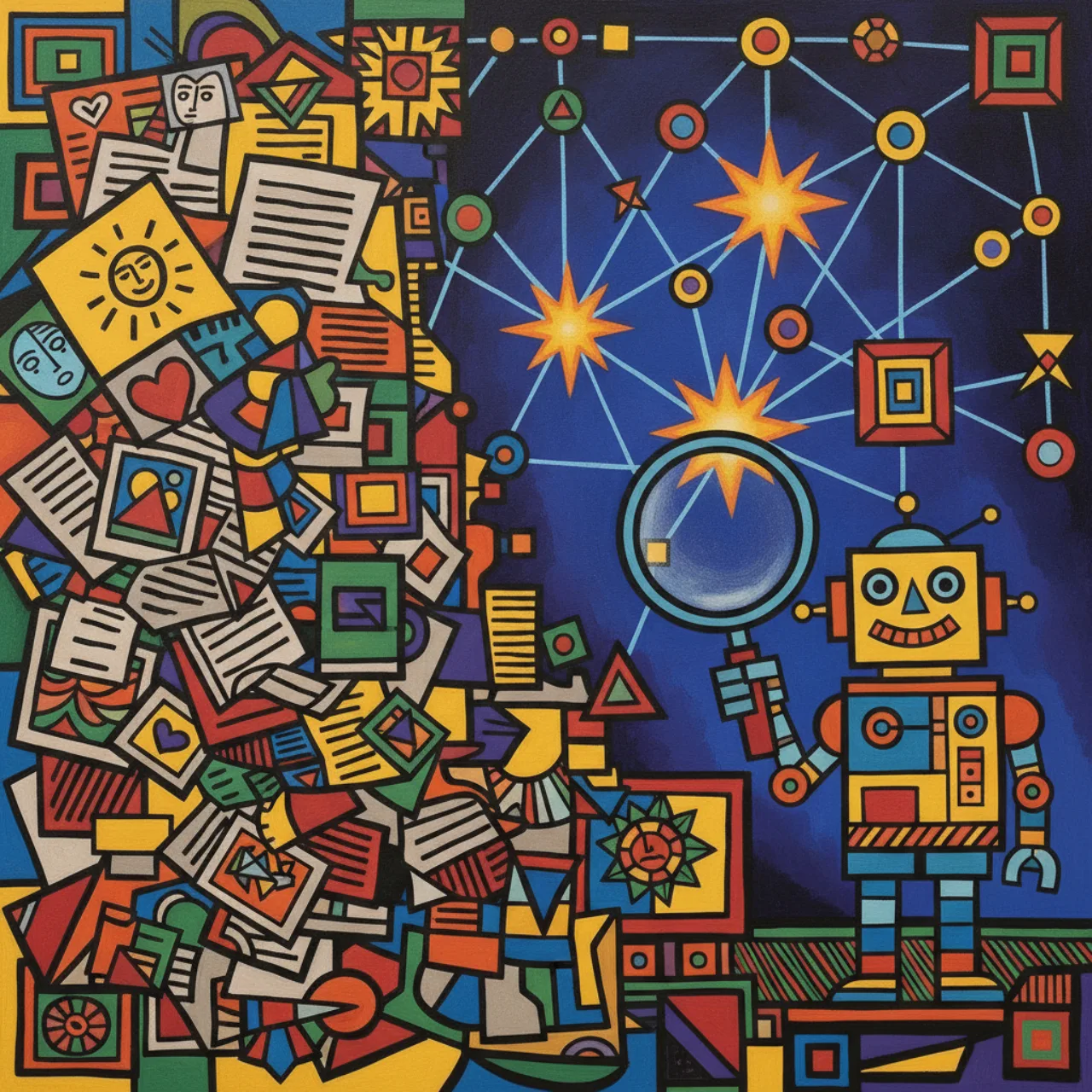
In my last post I went on
about not feeding LLMs raw files, because raw formats waste tokens. Graphify
is the same idea aimed at a bigger target: instead of compressing one document, it compresses
an entire folder — your codebase, your notes, your papers — into a knowledge graph that an
AI assistant queries instead of re-reading everything.
If you've ever watched Claude Code (or Cursor, or Codex) grep its way across a large repo,
re-reading the same files on every question, you know the problem. The context window is finite;
the codebase isn't. Graphify's answer: do the reading once, build a graph, and from then on
let the agent traverse structure rather than re-parse text.
What it is
Graphify is a Claude Code skill. You install it, then type /graphify . in any directory and
it reads your files, builds a knowledge graph, and hands back structure you didn't know was
there:
pip install graphifyy && graphify install
# then, inside Claude Code:
/graphify .
It's fully multimodal — and this is the part I find genuinely clever. It doesn't just parse
code. Drop in PDFs, markdown, screenshots, architecture diagrams, even whiteboard photos or
images with text in another language, and it pulls concepts and relationships out of all of them
into one graph:
| Type | Extraction |
|---|---|
Code (.py .ts .go .rs .java .cs …) |
AST via tree-sitter + a call-graph pass — no LLM, no network |
Docs (.md .txt .rst) |
concepts + relationships via Claude |
Papers (.pdf) |
citation mining + concept extraction |
Images (.png .jpg .webp …) |
Claude vision — screenshots, diagrams, any language |
The output is a folder you keep:
graphify-out/
├── graph.html       interactive graph — click nodes, search, filter by community
├── graph.json       persistent graph — query weeks later without re-reading
├── wiki/            Wikipedia-style articles for agent navigation (--wiki)
├── GRAPH_REPORT.md  god nodes, surprising connections, suggested questions
├── obsidian/        open as an Obsidian vault
└── cache/           SHA256 cache — re-runs only process changed files
Why it's good to use with an LLM
This is the real question, so let me take it head-on. There are seven reasons Graphify pairs well
with an AI assistant.
1. Token economy — do the expensive read once
The headline number: on a mixed corpus (Karpathy's repos + 5 papers + 4 images, 52 files),
Graphify reports 71.5× fewer tokens per query versus reading the raw files. The mechanism is
simple and honest — you pay the analysis cost once, upfront, and every subsequent question
traverses a compact graph instead of re-ingesting files. A token benchmark prints automatically
after every run, so you see the number for your corpus, not a brochure.
Honest caveat (the README is refreshingly upfront about this): the reduction scales with
corpus size. Six files fit in a context window anyway — there the win is structural clarity,
~1×, not compression. The 71× shows up at 52 files of mixed code + papers + images. Don't expect
magic on a tiny repo; expect it on a real one.
2. The context window is finite — a graph isn't
A large codebase simply doesn't fit in context. A graph of it does. Graphify compresses "every
file" into "the nodes and edges that matter," so the agent can reason about a system far larger
than it could ever hold as raw text.
3. LLMs reason better over relationships than over a pile of files
Flat file lists hide the thing you actually care about: how parts connect. Graphify surfaces
god nodes (the highest-degree concepts everything routes through), communities (clusters,
via Leiden), and surprising connections ranked by a composite score — with code↔paper edges
ranked above code↔code, each with a plain-English "why." That's exactly the structured context an
LLM uses to give a good answer instead of a plausible guess.
4. Persistent memory across sessions
graph.json is durable. Build it today, query it in three weeks — the agent has a standing map of
your project that survives context resets. It's a cheap, local form of long-term memory for your
codebase.
5. It's honest about what it knows
Every edge is tagged EXTRACTED, INFERRED, or AMBIGUOUS — found versus guessed.
For an LLM consumer that distinction is gold: it can lean on extracted facts and hedge on inferred
ones, which is a direct hedge against hallucination. A knowledge source that labels its own
confidence is rare and valuable.
6. Built for agents, not just humans
Two features are explicitly agent-shaped. --wiki generates Wikipedia-style markdown — an
index.md plus one article per community — so you can point any agent at index.md and it
navigates by reading files instead of parsing JSON. And --mcp starts an MCP stdio server,
so the graph becomes a first-class tool an assistant can call. (Regular readers know I like an MCP
server on everything.)
7. Privacy and freshness, cheaply
Code is parsed locally with tree-sitter — no model, no network, your source never leaves the
machine; only semantic descriptions of docs and images go to the model you've already configured.
And the graph stays current without re-reading the world: a SHA256 cache means re-runs only
touch changed files, --watch rebuilds instantly on code saves (AST only, no LLM), and
graphify hook install adds a post-commit git hook that refreshes the graph after every commit.
Where it fits in a workflow
The mental model is the same one I keep coming back to: convert the expensive thing once, query
the cheap thing forever. MarkItDown does that for a single document; Graphify does it for a whole
project. Concretely:
- Onboarding an agent to a big repo —
/graphify .first, and the assistant starts from a map
instead of a cold grep. - Parallel agentic work —
--watchkeeps the graph current "between waves" while multiple
agents write code, so each one queries an up-to-date structure. - Research folders — the Karpathy
/rawuse case: papers + tweets + screenshots + notes drop
into one graph you can ask "what connects attention to the optimizer?"
And the stack is deliberately boring-in-a-good-way: **NetworkX + Leiden (graspologic) + tree-sitter
- Claude + vis.js. No Neo4j, no server, runs entirely locally.** That low-friction footprint is a
big part of why it's pleasant to actually use.
Takeaways
- Graphify turns any folder — code, PDFs, images, diagrams — into one queryable knowledge graph,
so your AI assistant traverses structure instead of re-reading raw files. - The LLM win is token economy + structure: ~71× fewer tokens per query on a real mixed corpus
(scaling with size), plus god nodes, communities, and relationship edges an LLM reasons over well. - Agent-native:
--wikifor file-navigable knowledge,--mcpfor tool access,--watchand a
git hook to stay fresh, andEXTRACTED/INFERRED/AMBIGUOUStags so the model knows fact from guess. - Local and low-friction: tree-sitter parses code offline; no Neo4j, no server.
It's a small skill with a big idea — pre-digest the corpus into a graph and let the model think in
relationships. If you've run it on something interesting, or it surprised you with a connection,
tell me on the links on the about page.