Local AI Studio — Part 3: FLUX, SDXL, and the fp8-vs-GGUF Myth
This is Part 3, and it's the one where I was wrong in public, which are usually the most
useful posts to write.
In Part 2 we turned
generation into a function. Now let's point it at two very different image models — SDXL
and FLUX.1-dev — and actually time them on the Mac.
All numbers below are at 1024×1024 on the M1 Max, warm (model already loaded, so we
measure compute, not disk). Cold runs add model-load time on top.
SDXL: the fast workhorse
SDXL, 1024px, 25 steps, dpmpp_2m / karras → ~60s warm
About a minute for a finished 1-megapixel image. Drop to 15–20 steps or 768px and you're
near 30 seconds. For iterating on ideas — and for the decorative blog art in this series —
SDXL is exactly right: quick, predictable, and the older architecture is very forgiving.
FLUX: gorgeous, and slow
FLUX.1-dev is the current quality leader for open local
images, and it shows. But it's a 12-billion-parameter model, and on the M1 Max that weight
is felt:
FLUX.1-dev (fp8), 1024px, 20 steps → ~313s warm (≈ 16 s/step)
Roughly five minutes per image. Beautiful results — see the jaguar in this series'
materials — but not something you iterate on casually.
The "obvious" fix that wasn't
Here is the received wisdom you'll read everywhere about FLUX on a Mac:
"fp8 has no hardware acceleration on Apple Silicon, so it gets emulated and runs slow.
Switch to a GGUF quantization and it'll speed up."
That's a very plausible story. fp8 really isn't natively accelerated on the M-series GPU,
so the reasoning sounds airtight. I believed it. So I did the work: installed the
ComfyUI-GGUF custom node, downloaded the
Q8_0 quant of FLUX.1-dev (~12 GB), built a parallel workflow with UnetLoaderGGUF, and
benchmarked it head-to-head against fp8.
FLUX.1-dev fp8     1024px / 20 steps  →  313s warm
FLUX.1-dev GGUF-Q8 1024px / 20 steps  →  333s warm
They're tied. The GGUF version was, if anything, a hair slower. Image quality was
identical — Q8 is essentially lossless — but the speed I went chasing simply wasn't there.
Why the myth fails here
The fp8-is-slow story assumes the bottleneck is the numeric format. On this machine it
isn't — the bottleneck is raw GPU compute. A 12B-parameter model doing 20 denoising
steps at a megapixel is just a lot of math, and the M1 Max's GPU works through it at roughly
16 seconds per step regardless of how the weights are stored. fp8, GGUF-Q8, full fp16 —
they all land in the same place, because none of them reduce the amount of arithmetic. GGUF
buys you memory savings, not speed. On a 64 GB machine, I didn't need the memory.
The lesson isn't "GGUF is bad." It's: measure on your own hardware before you believe a speedup. The advice was probably true on the NVIDIA card it was written for.
So how do you make FLUX fast on a Mac?
The levers that actually move the needle attack the compute, not the format:
- Fewer steps. This is the big one. FLUX.1-schnell is a step-distilled model that
produces good images in ~4 steps instead of 20 — roughly a 4× speedup, landing FLUX
near 80 seconds. - Lower resolution. Pixels are quadratic. 768px is about 40% less work than 1024px.
- Just use SDXL for anything where you're iterating, and save FLUX for finals.
My actual workflow
After all this, here's how I split the two in practice:
| Need | Model | Why |
|---|---|---|
| Fast iteration, drafts, decorative art | SDXL | ~60s, forgiving, good enough |
| Final hero image, photoreal, fine detail | FLUX | best quality, worth the 5 minutes |
| Fast and high quality | FLUX.1-schnell | the compromise, ~80s |
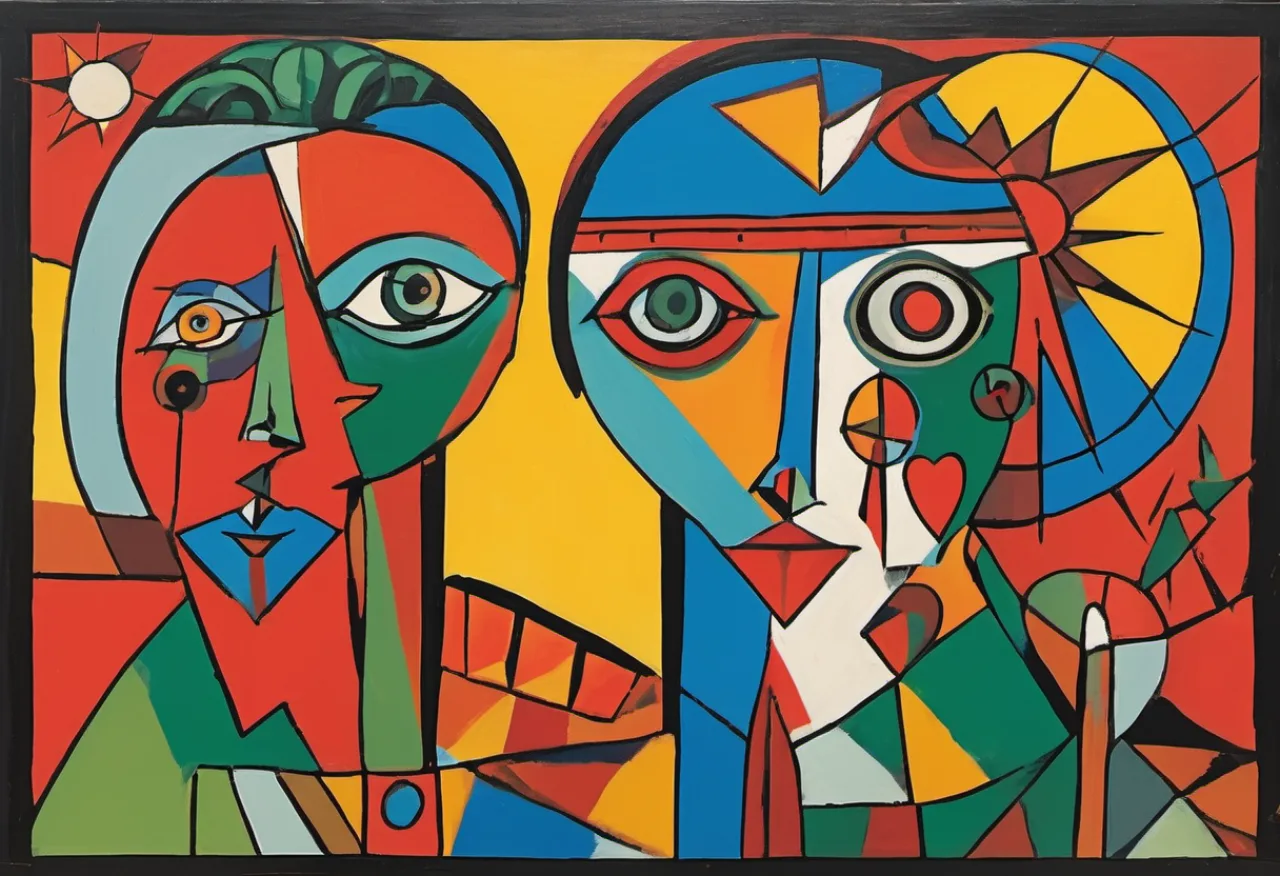
The featured images in this series are all SDXL. The house look I'm going for — flat,
outlined, Cubist folk-art with a saturated Central American palette — is decorative rather
than photoreal, and SDXL renders it beautifully. Just as importantly, the ~60-second turnaround
lets me regenerate until the composition feels right, which matters a lot more for art
direction than the last few percent of fidelity would.
In Part 4 we leave still
images behind and ask the bigger question: can this Mac generate video? (Yes — with one
MPS gotcha that produces pure rainbow garbage until you fix it.)